
01
Setup
Connect Luma to your local Wi-Fi to access it from your devices.
Built for routines that matter
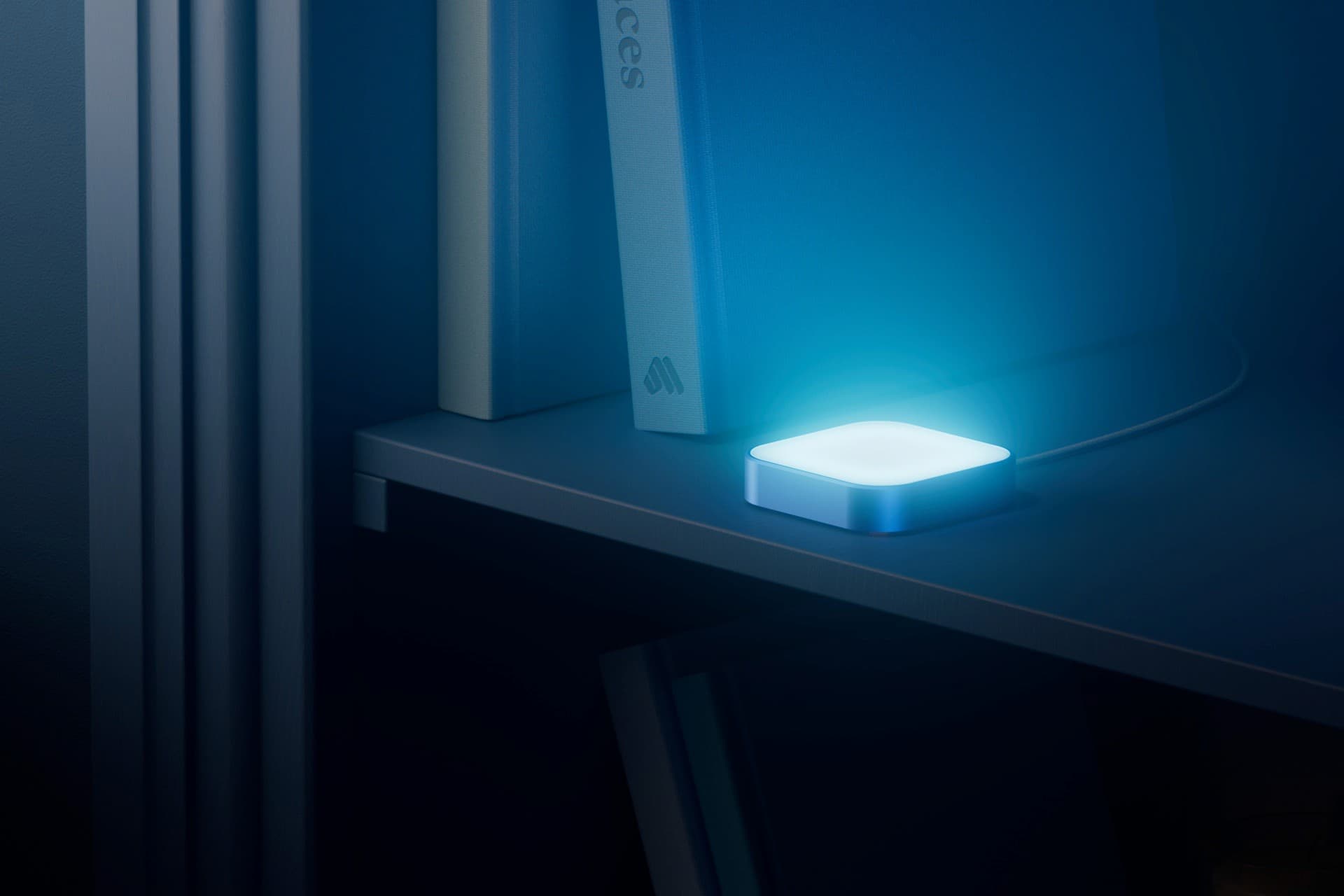
Luma is a calm, visual reminder device that replaces noisy alarms and pings with elegant ambient light.
But you wouldn’t know it in today’s world. Notifications and alerts have been optimised to compete for your attention, interrupting and often demanding an immediate response: complete, snooze, dismiss.
Tap Luma to cycle and dismiss its glow
Present in the room. Quiet in the background.
Luma is designed to stay on, so you can finish what you’re doing and come back when you’re ready. Its coloured gradients glow softly in the background, creating a persistent notification without becoming intrusive.
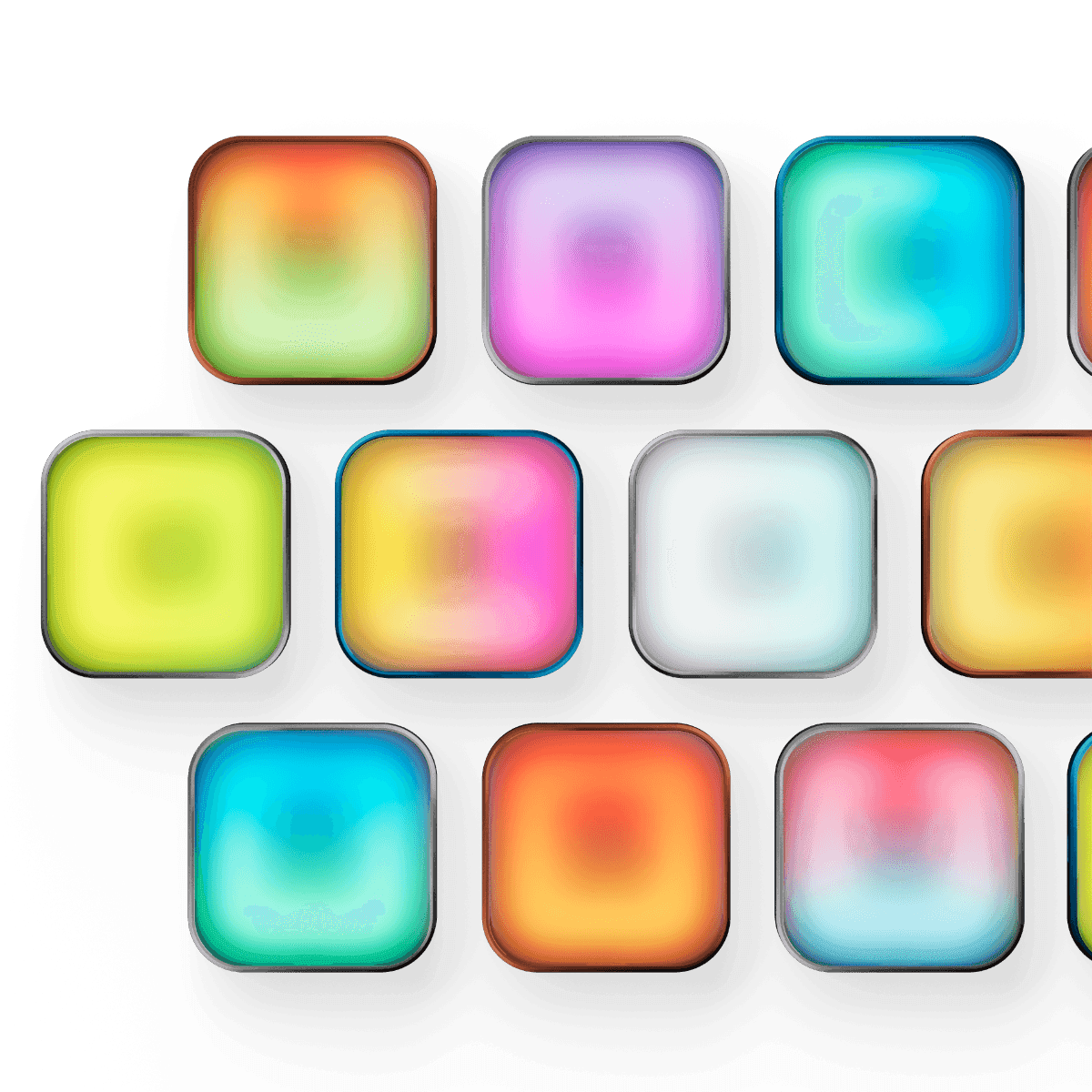
Luma comes with preset and customisable gradients, so you can colour-code specific reminders. Know when it’s time to water your plants, take supplements, feed your pet, or hydrate—without opening an app.
Give each routine its own gradient and recognise it at a glance.
The light stays with you until the moment is right.
Dismiss the reminder directly on Luma when you are done.
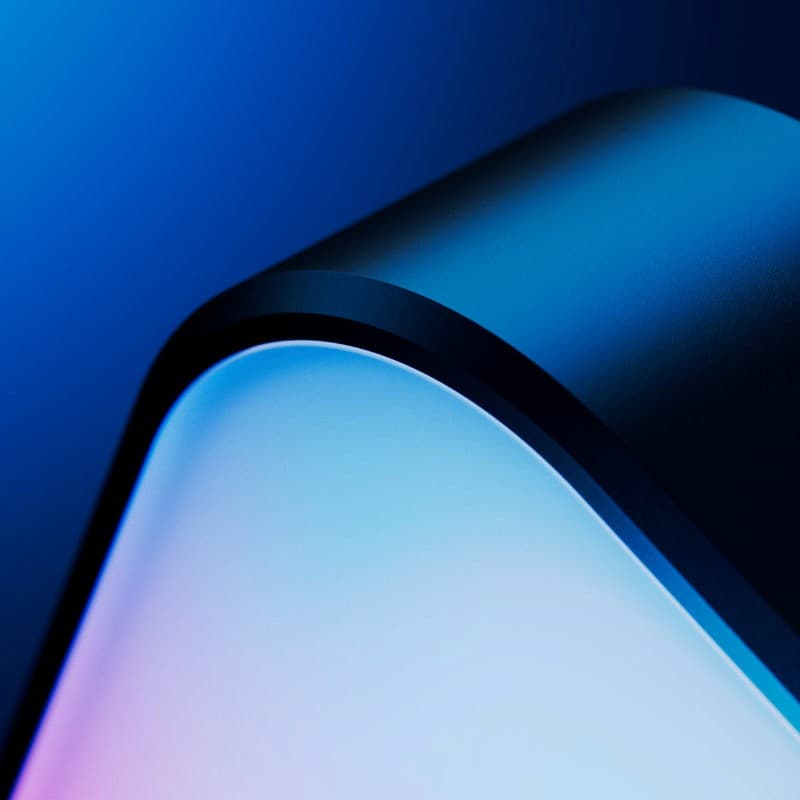
Luma has evolved through continued use and testing around one north star: reminders should support your rhythm, not hijack it. Its fully enclosed system is milled from high-grade anodised aluminium, so it belongs in view rather than being hidden away.

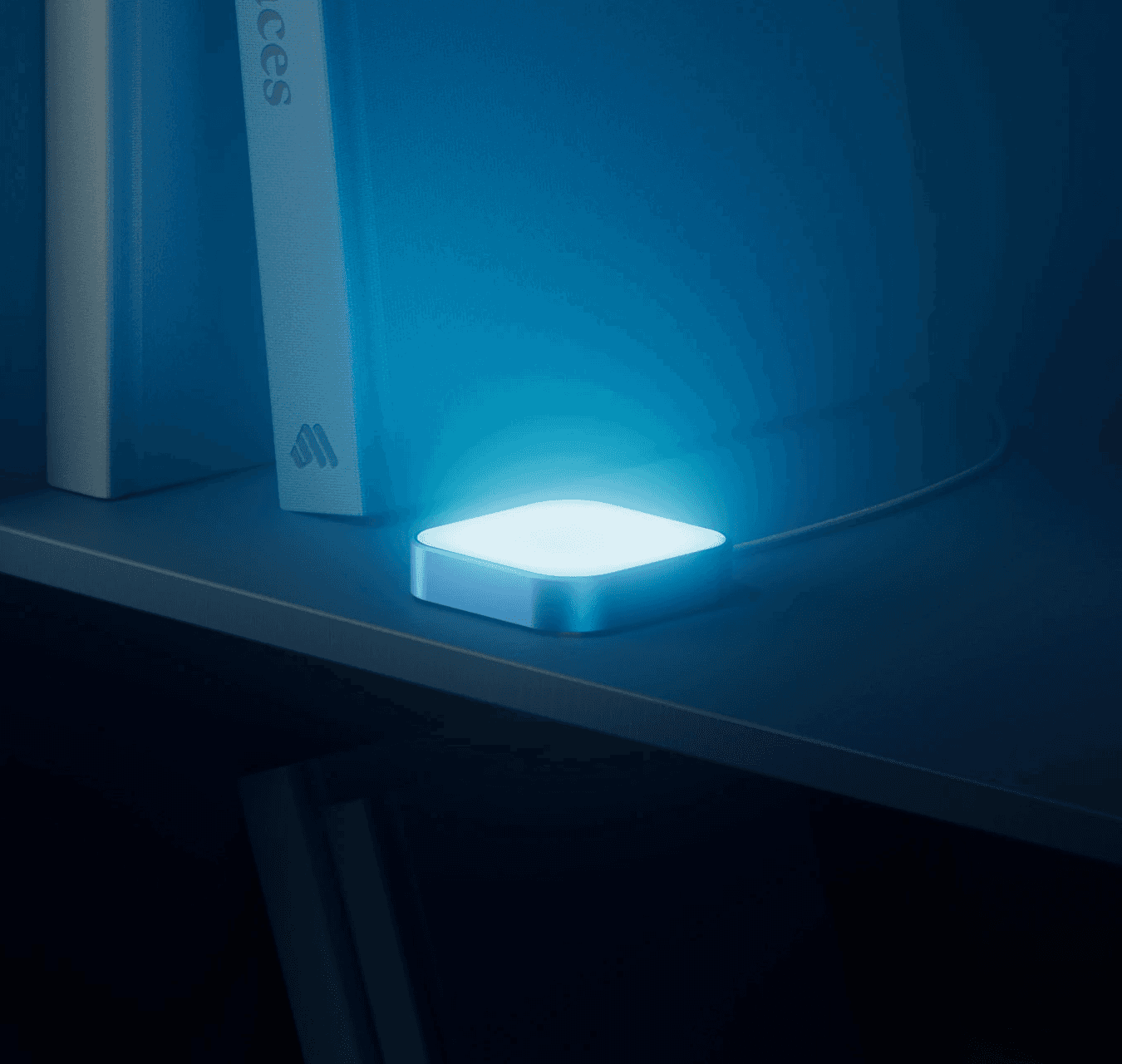
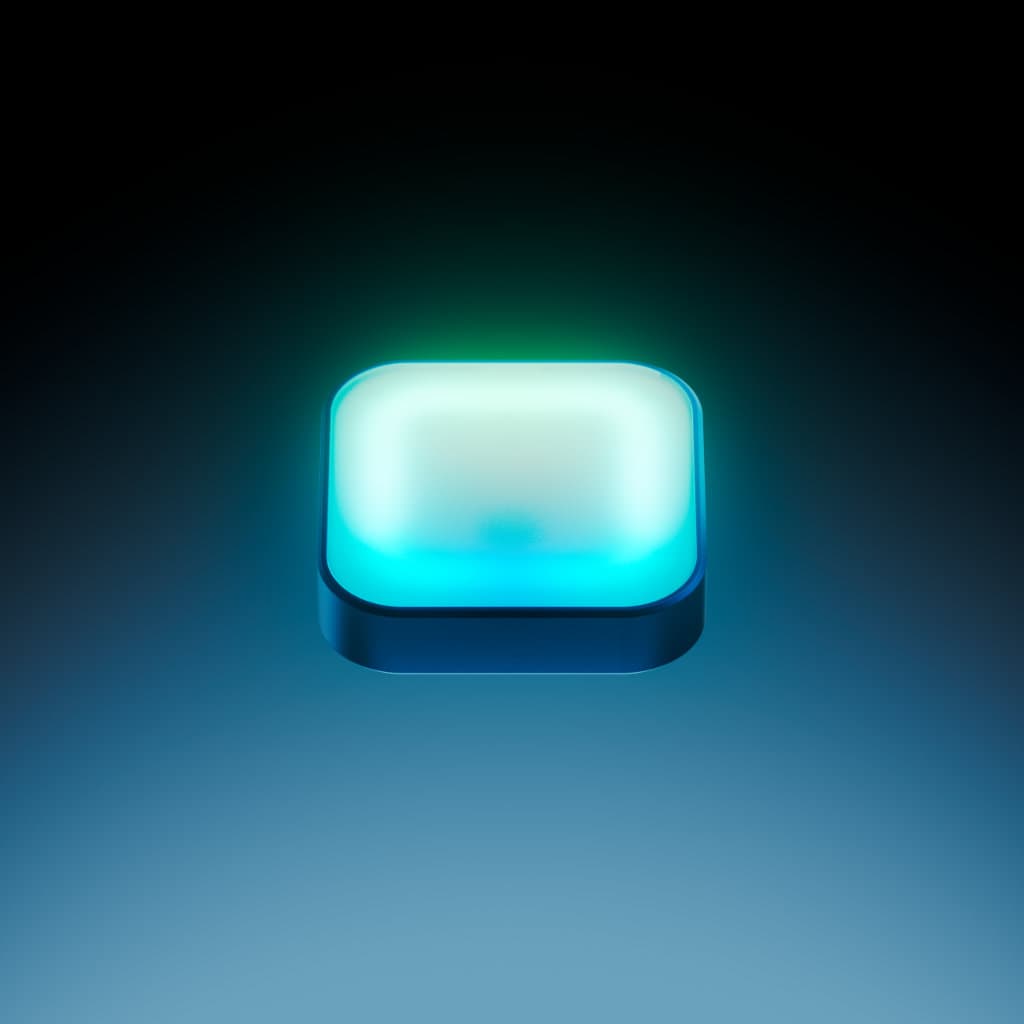
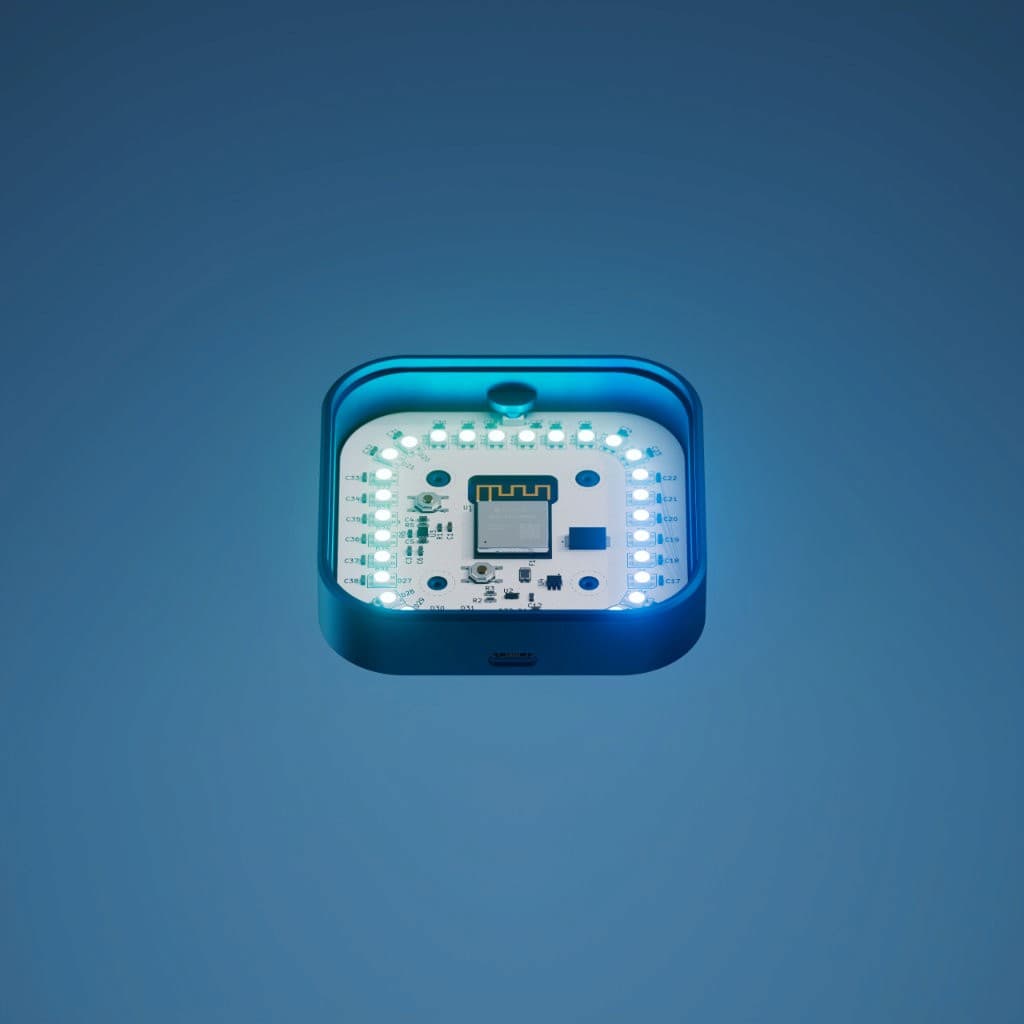

Luma works on-device. It does not send or receive personal data, rely on subscriptions, or depend on cloud servers. There are no sign-ups, accounts, phone screens, or dopamine traps—just you and your reminders.
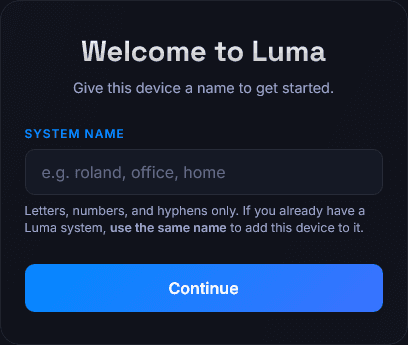
Connect Luma, give it a name, and choose the reminders and gradients that fit your routine.
Connect Luma to your local Wi-Fi to access it from your devices.
Open the local address shown during setup to pick a name and an optional PIN.
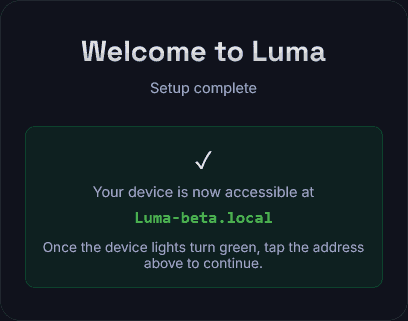
Pick and schedule your reminders and gradients!




Place Luma somewhere visible and it will glow in your chosen colour when a daily, weekly, or monthly reminder is due. It’s that simple.
Supporting features are there to deepen the experience—not to turn a calm object into another dashboard.
Your reminders and schedules can be locked behind an optional PIN
Luma has been working and improving over the course of the last year and a half. At the moment, small-sized successful versions of the Luma have been handed out to alpha testers for feedback. The goal at this stage is to gather interest and reach.
01
Prototype
02
Design
03
Iterating
04
Testing
05
First Batch
Everything else you might want to know about living with Luma.
The Luma is a Wi-Fi enabled device that lets you schedule non-intrusive reminders. Set up a time, a recurrence (e.g. Weekly on Fridays), and a color, and watch it calmly notify you. The glow will stay on until you tap the device, so no pressure!
By placing the Luma in a visible location and connecting it to your local Wi-Fi, you will be able to set up reminders for your daily, weekly or monthly routine.
Luma is for everyone. Create personal habits, share and schedule chores through color coding, or teach your kids important routines without noisy alarms or distracting phones.
Absolutely! Luma has been designed with the ability to share reminders between devices. When you set up a second device in the same network, you have the option to add it to your "main" device. This way, you can pick and choose which notifications appear in which device! Two or more people in the same household can each have their own little army of Luma devices.
Yes! Whether you share your PIN or set it up without a code for everyone in your household to use, just share the local address and everyone can add, edit, remove and tweak reminders on Luma.
Luma does not have AI, because it doesn't need to.
No, Luma works by itself. Once connected to your local network (required to keep accurate track of time and to allow configuring reminders) it is 100% yours to use. No accounts, no subscriptions, no extra fees.
Luma comes with a standard USB-C cable, which you can connect to a power socket or a wall outlet to make sure it can stay on. While in theory a battery-powered Luma could be fun, the persistent and continuously glowing notifications that make it special would require charging the device every so often. At best, you'd be charging it every week. At worst, you could miss out on potential reminders if the battery goes off unnoticed!
If you're ready to dive deeper, there is a world of opportunities with Luma. The API is open, so you can potentially schedule automations or Apple Shortcuts that trigger after certain actions! I myself have set up my Luma to glow with the bright red gradient at night if I'm about to go to sleep before having checked a "Top priority" item from my To-Do list!